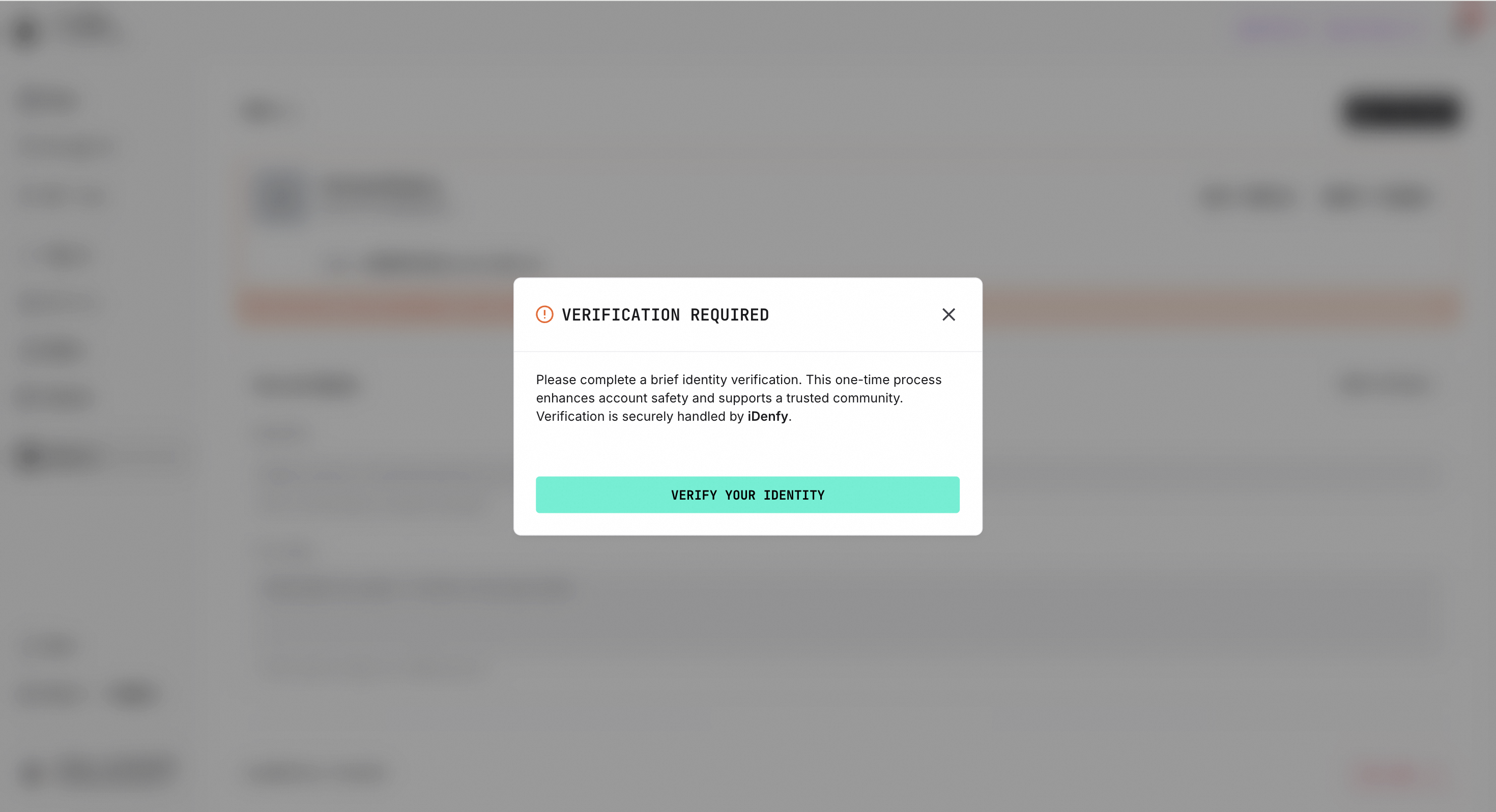
This document outlines the process for obtaining Creator permissions and completing KYC (Know Your Customer) verification. KYC verification is essential, as it ensures that all Creator activities on our platform are conducted in a secure, compliant, and trustworthy manner.Documentation Index
Fetch the complete documentation index at: https://mulerun.com/docs/llms.txt
Use this file to discover all available pages before exploring further.
Become a MuleRun Creator
Upon entering from the MuleRun homepage (mulerun.com) and clicking the “Agent Creator” button in the header, you will be directed to the Agent Creator Landing page.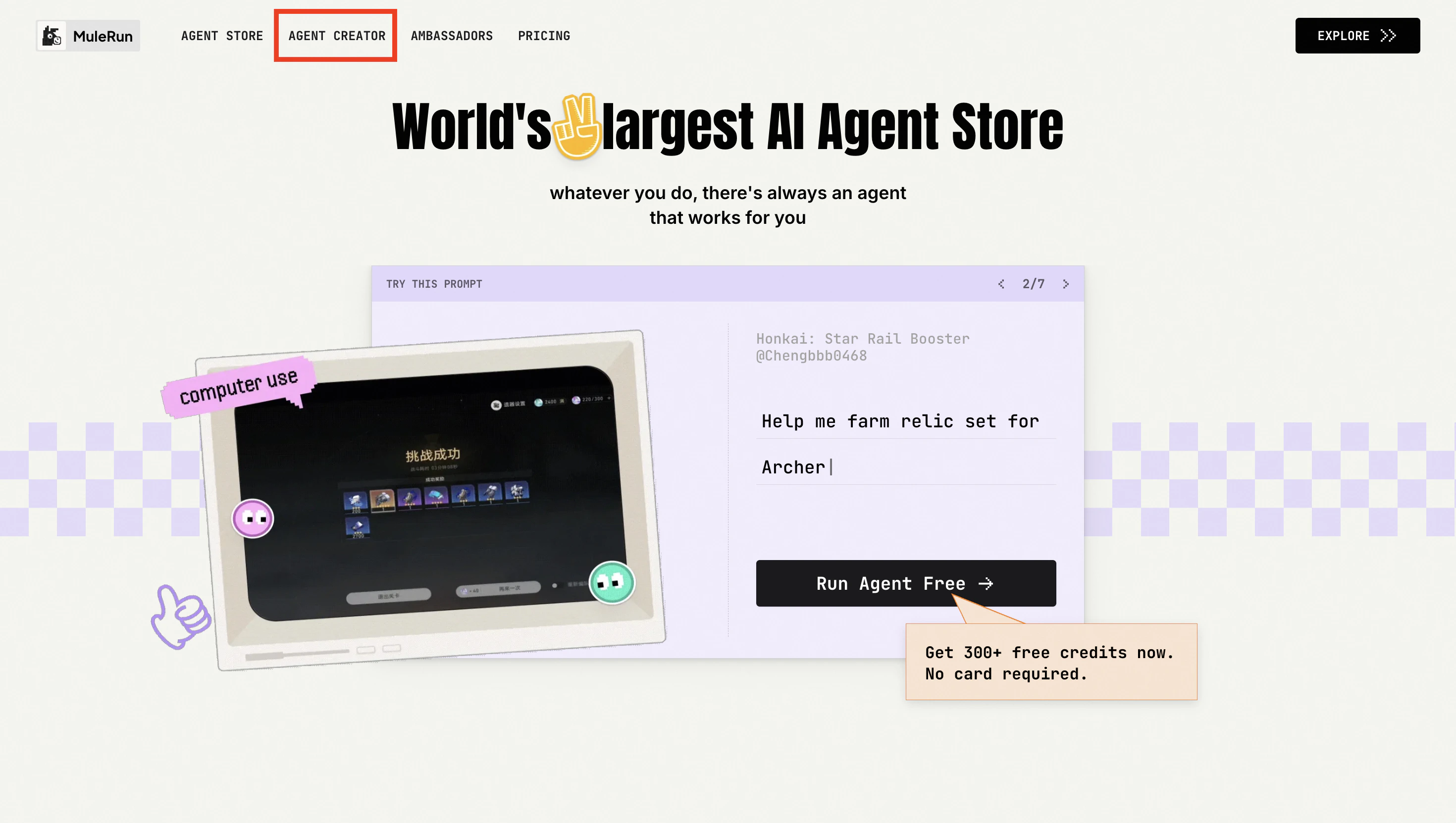
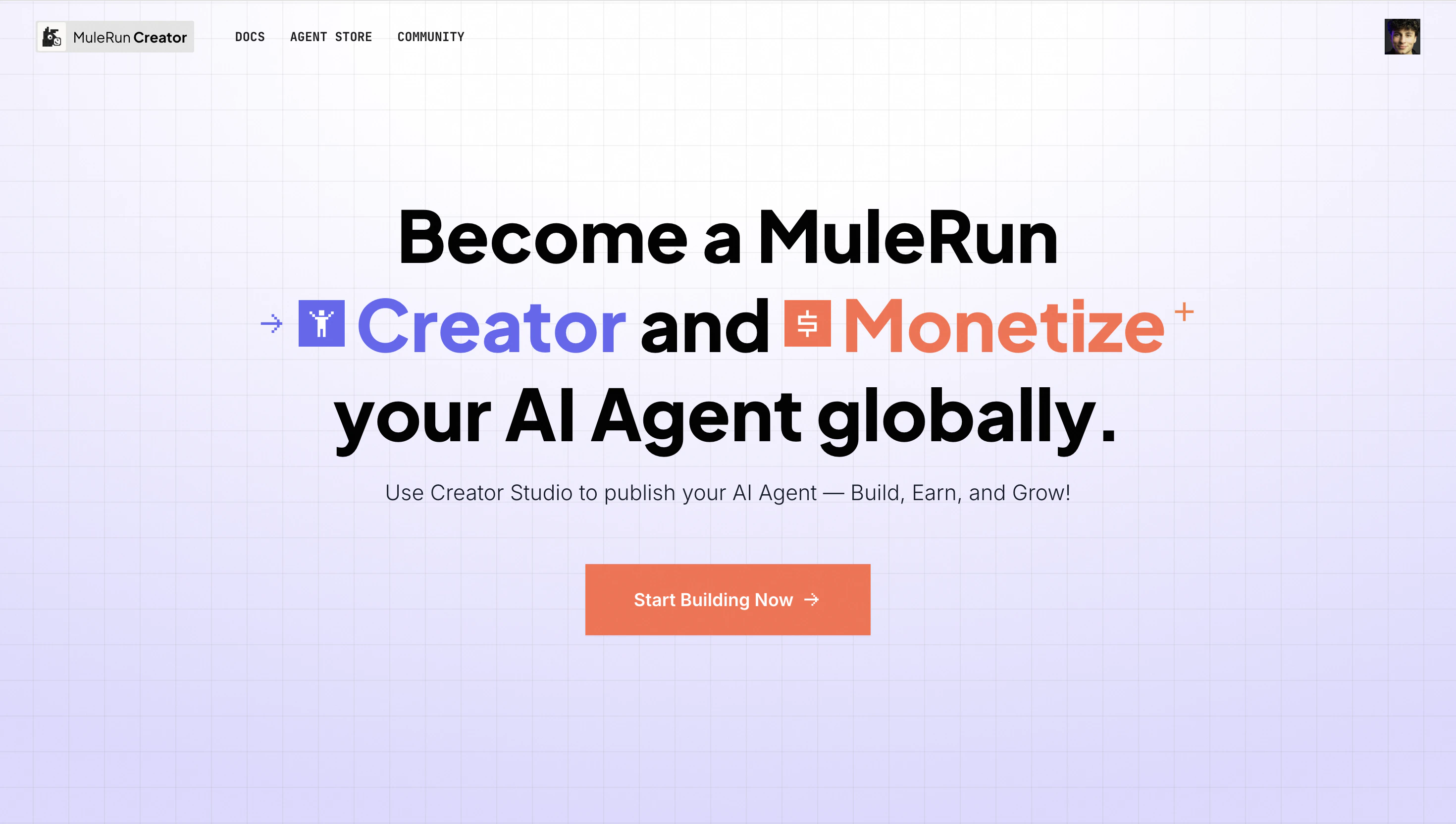
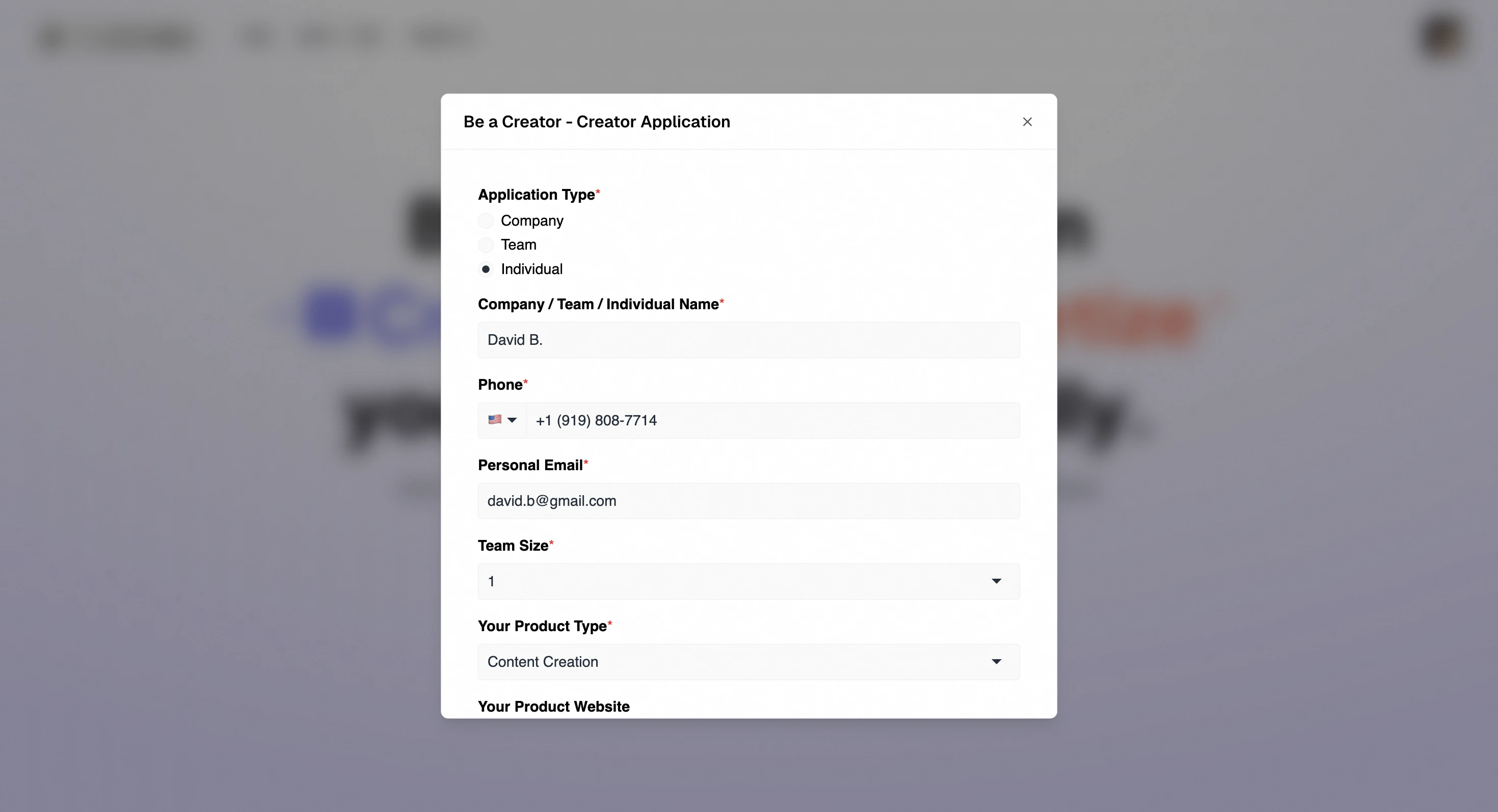
Complete KYC Verification
To unlock all Creator Studio features—including Agent submission and payouts—please complete KYC verification in your Profile before creating your first Agent. Please prepare for a smooth verification:- Document: Have your original, valid government ID ready (e.g., passport or driver’s license).
- Capture: Use your camera in good light. Ensure all details on the ID are sharp and fully visible, without glare or shadows.
- Selfie: You’ll take a live photo for security. Face the camera directly in even light.