

Documentation Index
Fetch the complete documentation index at: https://mulerun.com/docs/llms.txt
Use this file to discover all available pages before exploring further.
| Date | Change Log |
|---|---|
| Dec 23, 2025 | Refined the detailed guidelines for basic rules and updated the review standards for “Featured” content. |
I. Content Review Criteria
1. Agent Name
✅ Requirements:- Clearly conveys the agent’s core functionality or key value proposition
- Must not be vague or meaningless
- Must not contain advertisements, contact information, or unlicensed brand names
- AI Tools
- Gernel Voice AI Agent
- DO NOT Open
2. Overview (One-Sentence Summary)
✅ Requirements:- Clearly states what the agent does in one sentence
- Enables users to instantly grasp its value
- Ensures the content less than 70 characters
- “An AI writing assistant that auto-generates SEO-friendly blog posts.”
- “A very powerful writing tool.” (Too vague)
3. Description (Detailed Description)
✅ Must Include All of the Following:- Target users (e.g., “Ideal for content creators”)
- Use cases (e.g., “Writing WeChat official accounts or Xiaohongshu captions”)
- Key functionalities
- Output format (e.g., “Generates an 800-word blog post + image suggestions”)
- Missing any of the above elements
- Contains external links that redirect users off-platform
- Excessively long (>150 words). (Note: Most current agents are image-generation focused and do not require lengthy explanations.)
4. Advantages
✅ Requirements:- Presented as bullet points
- Each point highlights a distinct, non-generic advantage
- ✔️ One-click publishing across multiple platforms
- ✔️ Auto-generates titles and SEO keywords
- ❌ “Great user experience” (Too vague/boilerplate)
5. Key Features
✅ Requirements:- Bullet-point format, ordered by importance
- Alignment with actual operating functions and avoidance of exaggerated effects
- ✔️ Input a topic → outputs a complete blog post
- ✔️ Supports bilingual output (Chinese/English)
- ❌ “Powerful AI engine”
- ❌ “Accepts input in any language”
6. Prompts (Usage Guidance)
✅ Requirements:- Instructs users on how to phrase inputs for optimal results
- Provides concrete examples (e.g., “Input: ‘I want to write an article about running.’ ”)
- (Note: Ready to use at a glance—no prompt needed.)
- Only says “Please enter content.”
7. Showcase / Cover Image
✅ Requirements:- Provide at least three cover images
- Each cover image needs to clearly display the agent’s actual output
- No irrelevant stock images, placeholders, or excessive watermarks
- Text content must be in English only.
- Supports aspect ratios: 4:3 and 16:10
- Resolution ≥ 512×512 px
- Blurry screenshots with unreadable text
- Unauthorized or functionally irrelevant images
- Logo-only; no functionality shown.
II. Safety Review
All content must comply with the following:- ❌ No explicit, pornographic, or violent content
- ❌ No references to politics, religion, or sensitive events
- ❌ No privacy violations, fraud inducement, or false advertising
- ❌ No covert promotion (e.g., unsolicited links to Discord, X/Twitter, Facebook, or external websites)
Note: External references (e.g., Input template) are acceptable if necessary for context — but aggressive self-promotion or personal contact info is prohibited.
III. Experience Evaluation Criteria
1. Language Consistency
| Input Language | Required Output Language | Allowed Internal Processing Language(s) |
|---|---|---|
| Chinese | Chinese | Chinese or English |
| English | English | English only |
| Japanese, Spanish, Portuguese, French, German, Korean | Must match input language | English or the same target language |
- Unjustified language mixing (e.g., English input → Chinese output)
Note: Language consistency checks are not required for pure images or pure audio/video—only when visible/overlayed text is included.
2. Functional Availability
File Upload Support
| Format Type | Examples | Required? |
|---|---|---|
| Common formats | ✅ JPG, PNG, WebP, JPEG | Mandatory |
| Newer formats | ✅ GIF, AVIF | Optional (recommended) |
| Special formats | SVG, PDF, HEIC | Optional (recommended) |
- Claims image processing support but fails on JPG, PNG, WebP, JPEG
- The agent claims to support file processing (e.g., Excel, Word, and PDF documents), but the input interface does not allow file uploads.
Note: All upload restrictions (e.g., “1 image only”) must be visible in the input prompt/interface, and enforced in code (e.g. Up to 1 files).
Output File Download
- All generated files (images, videos, PDFs, etc.) must be downloadable
- Verification: Click “Download” → confirm successful file save
- File Integrity Check: For text-based files (e.g., PDFs with selectable text, CSV): Ensure content is human-readable with no encoding errors (e.g., symbols), extraneous whitespace, or corrupted characters. For binary files (e.g., JPG, PNG, MP4): Ensure the file is non-empty, not truncated, and renders/opens without errors.
Note: As long as users can access/retrieve the output(e.g. HTMLs), the requirement is satisfied. Note: The image output must be rendered directly at the end of the workflow—not merely provided as a URL.
Clickable Output URLs
- All links must be functional and lead to valid, safe destinations
- Must not be broken (e.g.,
http://error) or redirect to malicious/blacklisted sites
3. Ease of Use
User input requirements should not be too stringent; minimize the number of input steps and the amount of uploaded materials:| Input Type | Acceptable | Unacceptable |
|---|---|---|
| File Upload | 1–5 images | Requiring ≥20 images |
| Text Input | 50–200 words | Requiring ≥500 words |
| Multi-turn Dialog | 3–5 rounds max | Forcing ≥8 rounds before output |
- Entry barrier is excessively high, harming UX
- Requires users to manually edit/Photoshop input images
4. Minimum Output Quality
Text- No severe hallucinations (e.g., fabricating non-existent facts)
- No common-sense violations
- Occasional word blocking is acceptable and can be tolerated.
- Links must be real and accessible
- No mass generation of invalid or shortened links
- Resolution ≥ 512×512 px
- Clear, coherent visuals; minimal artifacts/distortions
- Artistic nudity permitted (e.g., classical sculptures); explicit sexual content prohibited
- For outfit-transfer agents: approve if changes are imperceptible (within 10% difference) or visually ambiguous
- ❌ Reject: cropped/incomplete outputs or severely blurred images
- No glaring physical/logical errors (e.g., walking upside-down)
- Smooth playback; no stuttering or frame tearing
IV. Common Rejection Cases
- Issue Type: ❌ Vague Information
- Example: Name: “Smart Writing Tool” — no specific functionality described
- Issue Type: ❌ Language Inconsistency
- Example: English input → full Chinese output
- Issue Type: ❌ Missing Functionality
- Example: Claims “PDF parsing supported”, but upload fails with error
- Issue Type: ❌ Low-Quality Output
- Example: Generated image: 256×256, blurry
- Issue Type: ❌ Safety Violation
- Example: Showcase image contains politically sensitive symbols
- Issue Type: ❌ Covert Promotion
- Example: Output includes: “Add me on Telegram: xxx”
- Issue Type: ❌ Insufficient Runtime Stability
- Requirement: Each submitted version must have 5 consecutive successful runs before UTC 23:59 on the day of submission
- Example 1: New version has only 3 successful runs → Rejected
- Example 2: New version has 5 runs but only 4 successful and 1 failed → Rejected (runs must be consecutive)
Premium Agent Standards
I. Agent Classification
Primary classification mainly distinguishes Entertainment from other categories. ⚠️ Entertainment category agents do not require premium review. Classification Criteria:| First level classification | Secondary classification | Introduction |
|---|---|---|
| Entertainment | Image Generation For Fun | Generates images for fun, like avatars, art, or humorous scenes. |
| Entertainment | Video Generation For Fun | Creates short videos/animations for casual entertainment or social sharing. |
| Entertainment | Games | Integrates into games, provides assistance, or generates game content. |
| Entertainment | Others | Innovative entertainment agents: interactive narratives, virtual companions, or recreational voice synthesis. |
| Content Creation | Writing | Assists in generating written content: articles, stories, copy, scripts. |
| Content Creation | Video Editing | Automates or assists video editing and production, like cutting, effects, subtitling. |
| Content Creation | Others | Handles multimodal or innovative content: interactive content, multimedia asset management, creative remixing. |
| Design | Image Editing | Modifies, enhances, or transforms images for retouching, filters, or manipulation. |
| Design | Ecommerce Design | Creates visual assets for e-commerce: product images, banners, store layouts. |
| Design | Marketing Design | Focuses on generating visual content for marketing campaigns: social graphics, ads. |
| Design | Others | Covers professional, structured, or cross-disciplinary design: design system management, spatial layout optimization, concept design. |
| Marketing | Social Media Management | Manages social media: schedules posts, analyzes engagement, generates content. |
| Marketing | Influencer Marketing | Assists in identifying, managing, or optimizing influencer collaborations for marketing. |
| Marketing | User Growth | Focuses on user acquisition/retention strategies: leads, conversions, engagement,like SEO |
| Marketing | Others | Covers broad marketing strategies, automation, or tech: customer lifecycle management, personalized recommendations, automation strategy. |
| Recruitment &Job Seeking | Resume Generation | Helps create/refine resumes: focuses on formatting, content, keyword optimization. |
| Recruitment &Job Seeking | Job-Candidate Fit | From job seeker’s perspective, recommends suitable jobs based on their resume. |
| Recruitment &Job Seeking | Interview Simulation | Provides simulated interviews: practice questions, feedback, performance tips. |
| Recruitment &Job Seeking | Resume Screening | Automatically reviews and filters resumes based on criteria, skills, experience. |
| Recruitment &Job Seeking | Candidate Sourcing | Assists in identifying and attracting potential candidates from various platforms. |
| Office Productivity | Data Analysis | Processes, interprets, visualizes data for informed decisions and trend identification. |
| Office Productivity | Slides Generator | Automates presentation slide creation: generates content, layouts, and designs. |
| Office Productivity | Meeting Notes | Transcribes, summarizes, organizes meeting discussions, captures key points. |
| Office Productivity | Others | |
| Education | Instructional Materials | Assists educators in creating, organizing, or delivering teaching materials. |
| Education | Learning Tools | Enhances learning via interactive exercises, study aids, or personalized paths. |
| Education | Tutoring & Coaching | Provides personalized academic guidance, skill coaching, or mentoring support. |
| Research | Research | Assists with information gathering, data synthesis, literature review, and analysis. |
| Website Building | Website Building | Helps design, develop, and maintain websites, from code generation to UX optimization. |
| Life Assistant | Wellness Management | Assists users in tracking health metrics, managing fitness, or providing health guidance. |
| Life Assistant | Cooking Guidance | Offers recipes, cooking instructions, meal planning, or dietary recommendations. |
| Life Assistant | Shopping Price Comparison | Compares product prices across retailers to help users find the best deals. |
| Life Assistant | Others | Involves personalized, comprehensive life assistance: smart home management, habit formation. |
| Vertical Tools | Investment | Provides financial analysis, investment strategies, portfolio management, or market predictions. |
| Vertical Tools | Contract Review | Analyzes legal documents/contracts: identifies key clauses, risks, compliance issues. |
| Vertical Tools | Medical Scribe | Assists medical professionals by documenting patient encounters, transcribing notes, managing data. |
| Vertical Tools | Others | Focuses on specific industries/professions,like agricultural intelligence, logistics route optimization |
| Others | Others | For innovative, cross-disciplinary agents not fitting other categories |
II. Information Review
Showcase / Cover
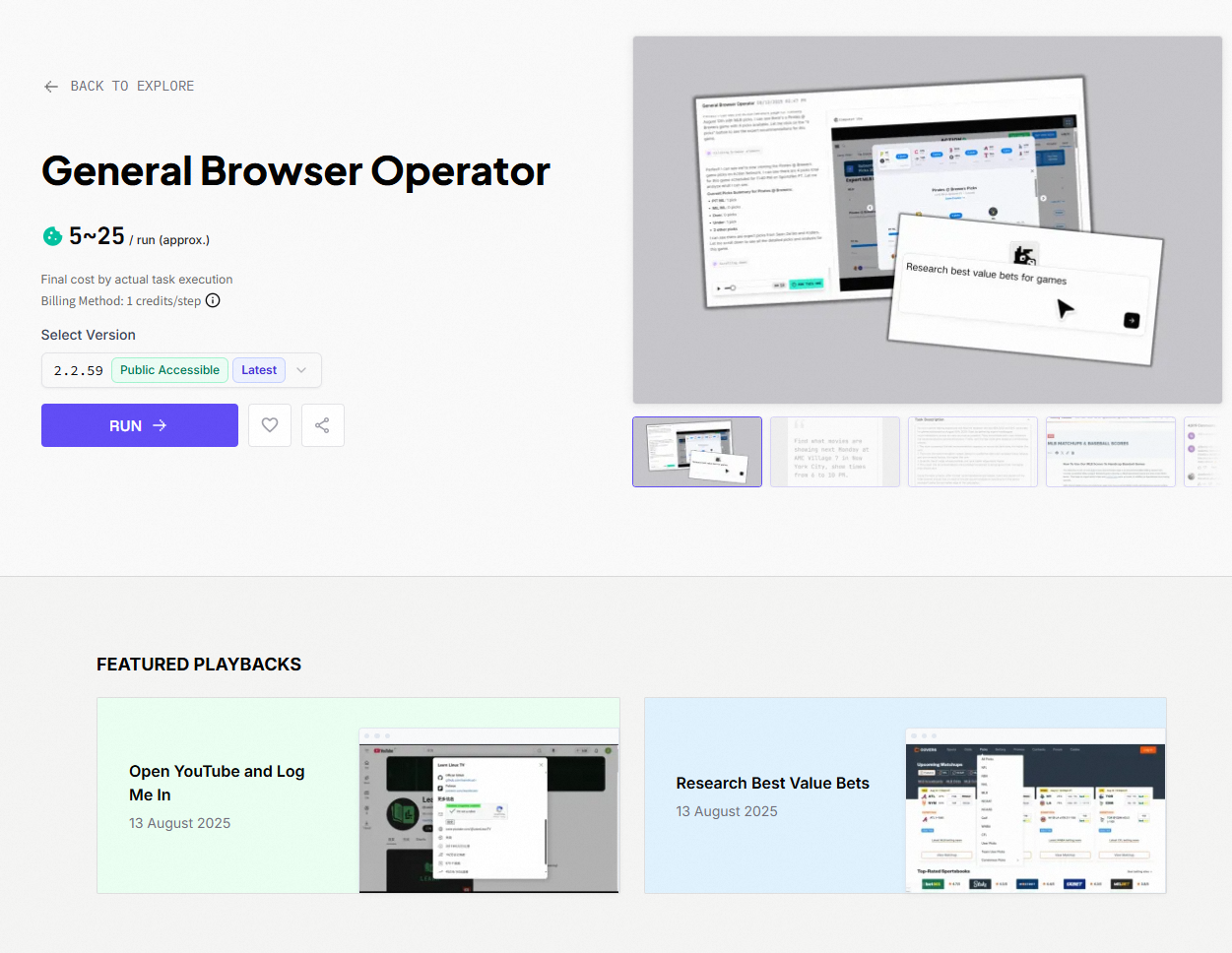
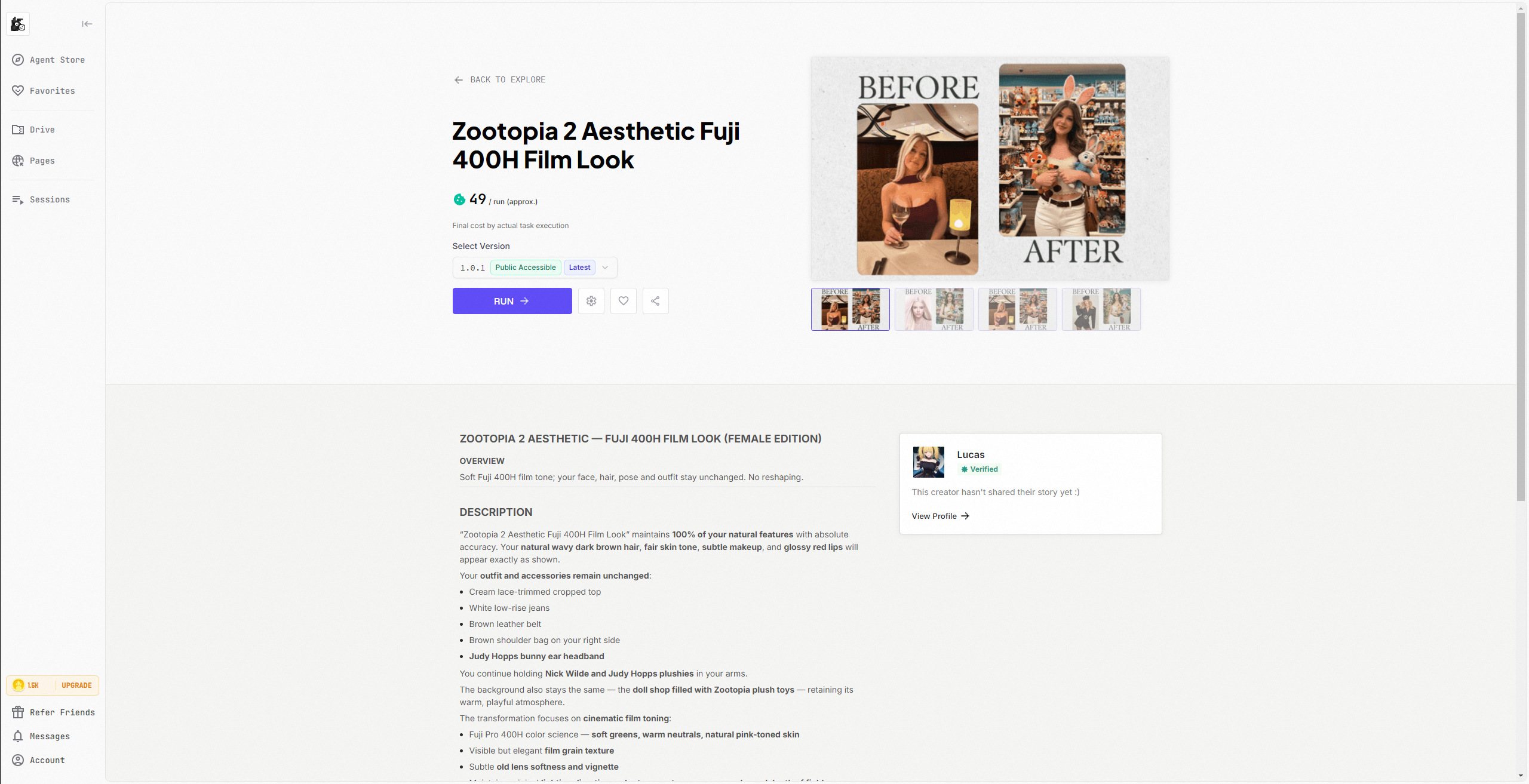
✅ Requirements: Operation/Effect visualization. Use comparison images, videos, GIF animations, playback, etc., to demonstrate usage effects. ✅ Examples: ✔️ Before-after Images

III. Experience Evaluation
1. Page Design
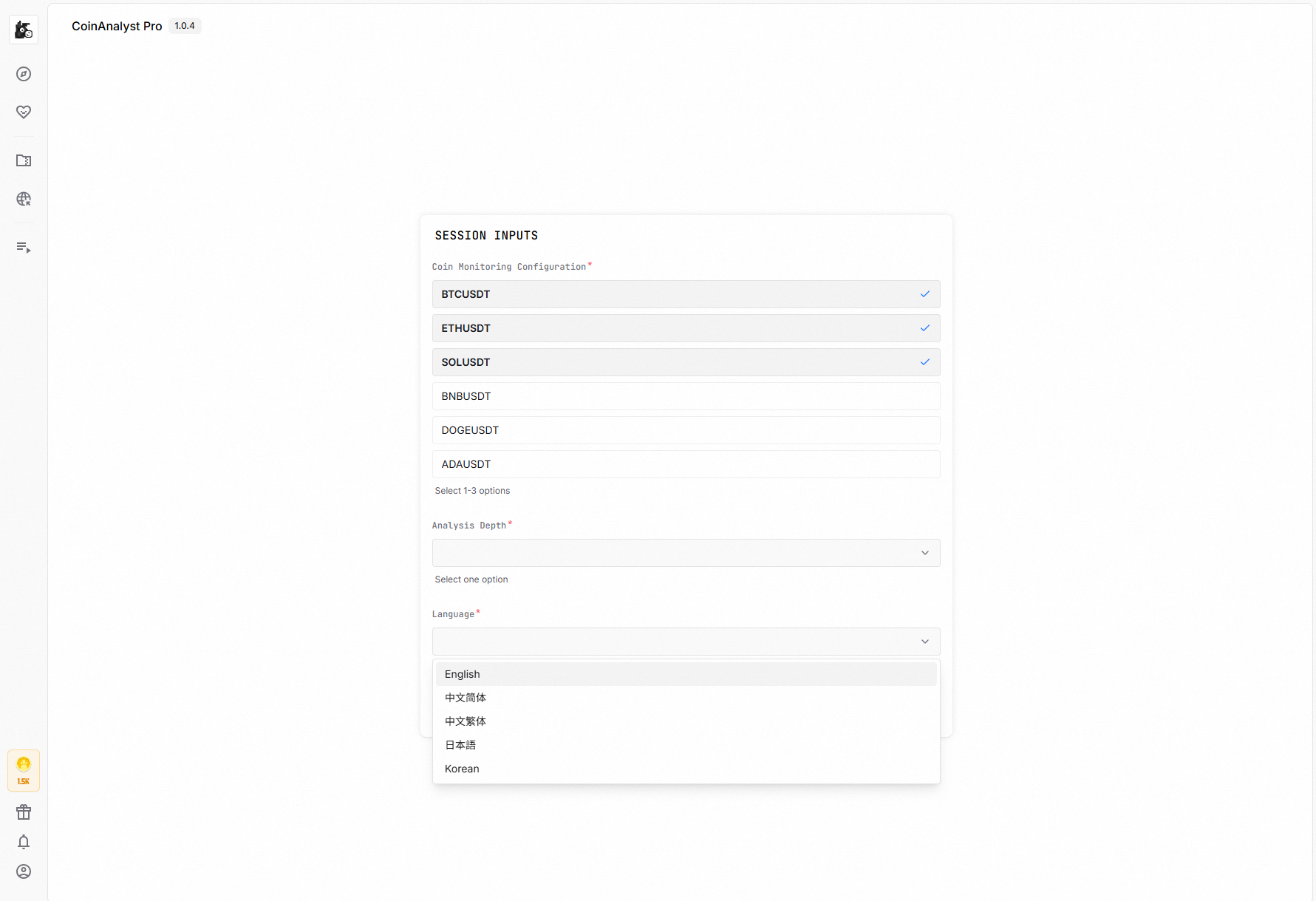
✅ Requirements: Excellent page design: All page elements should follow a unified, immersive visual specification. Page loads very quickly, and interactive animations are smooth and lag-free.2. Input Assistance Intelligence
✅ Examples: ✔️ Pre-set parameter tuning with one-click reuse.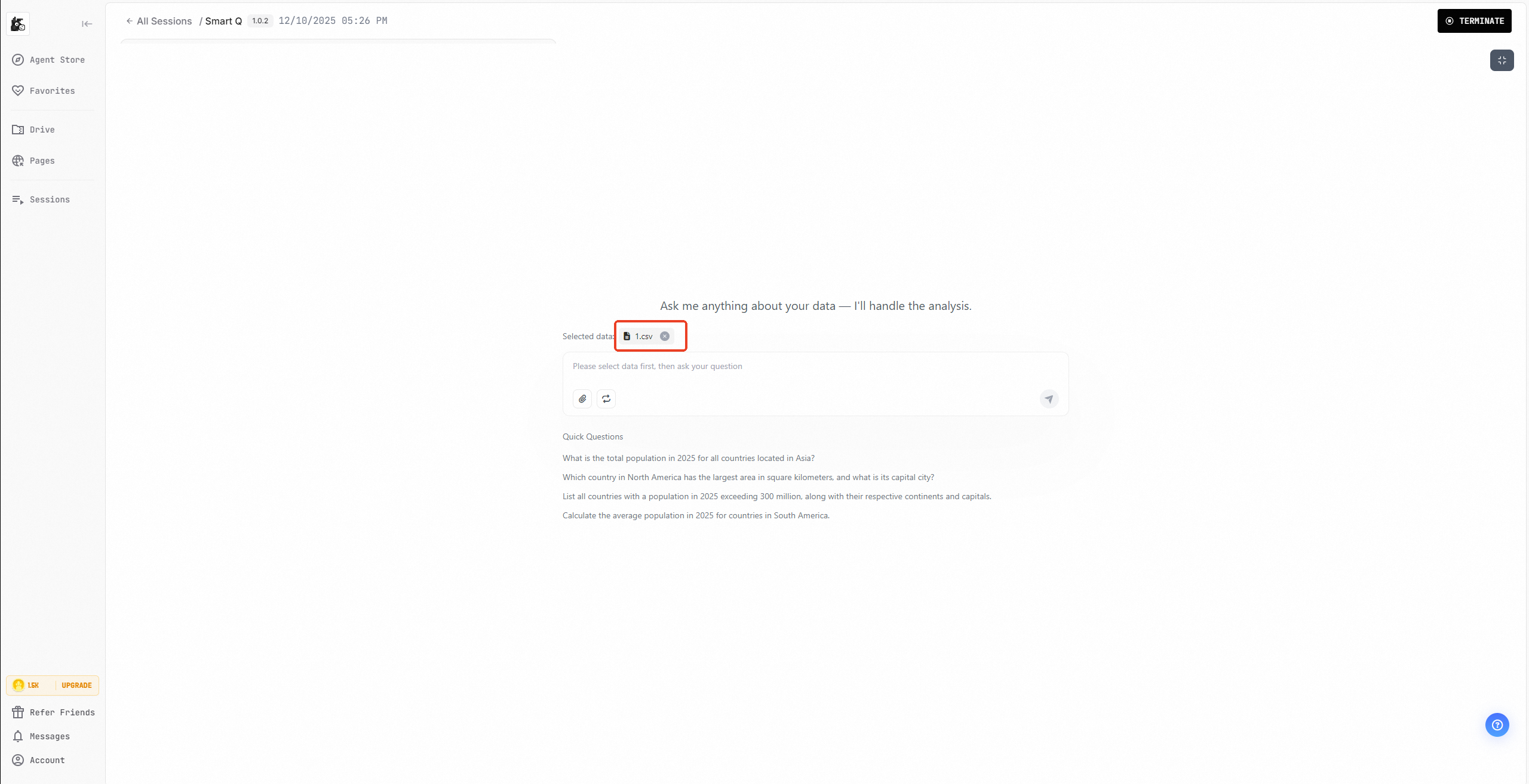
3. Effect Presentation
✅ Requirements: Clear user prompts: ✔️ Correct output must display clear success messages.
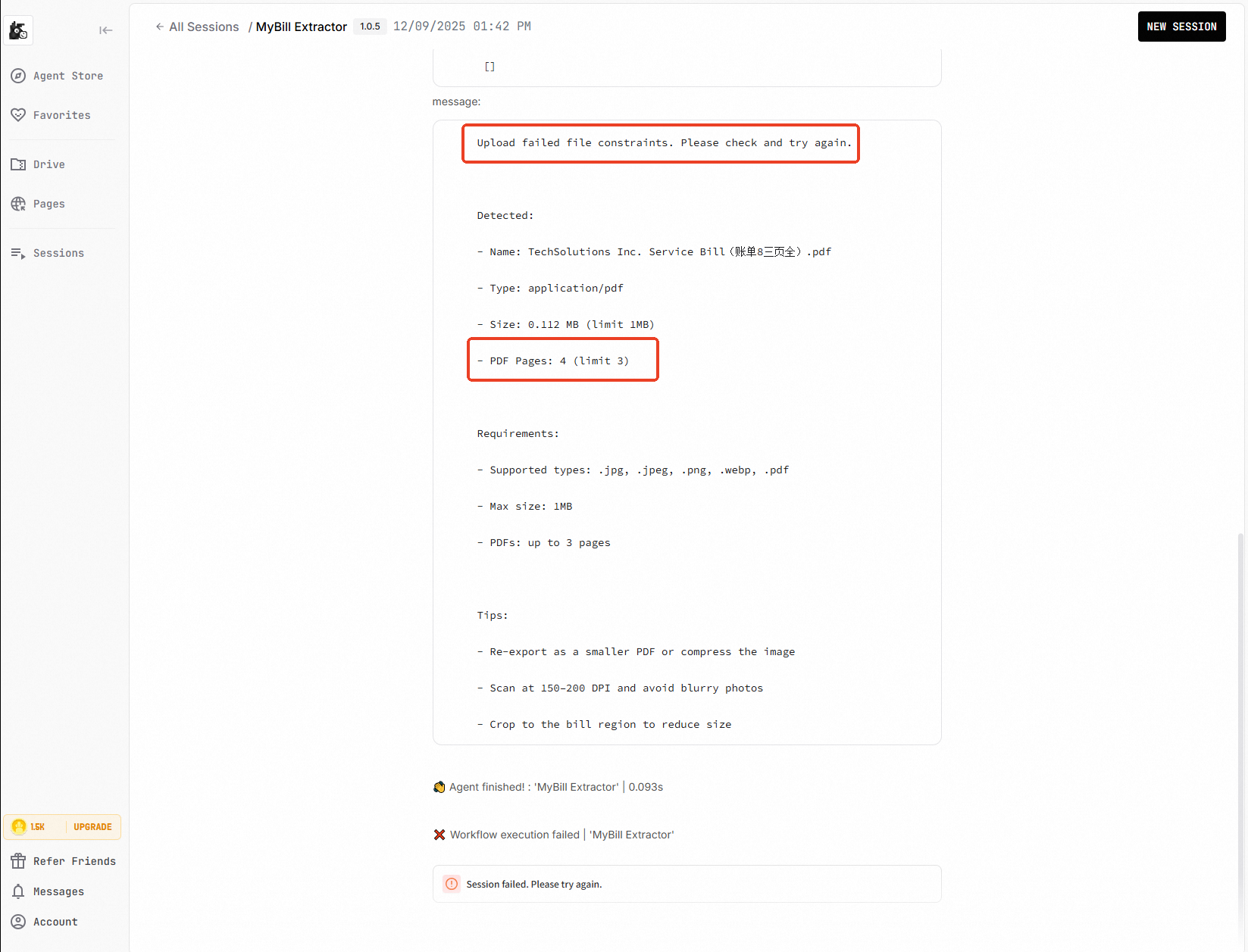
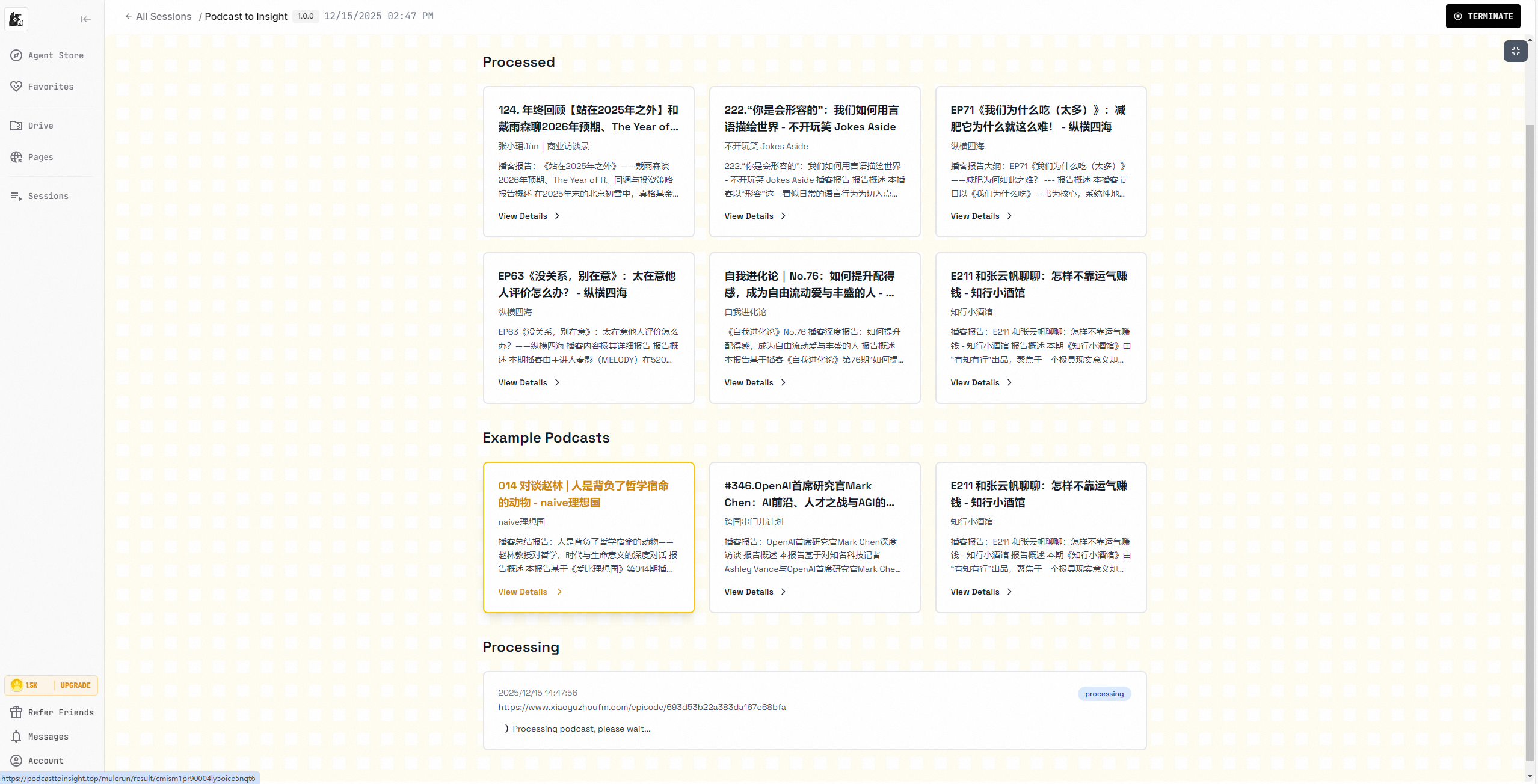

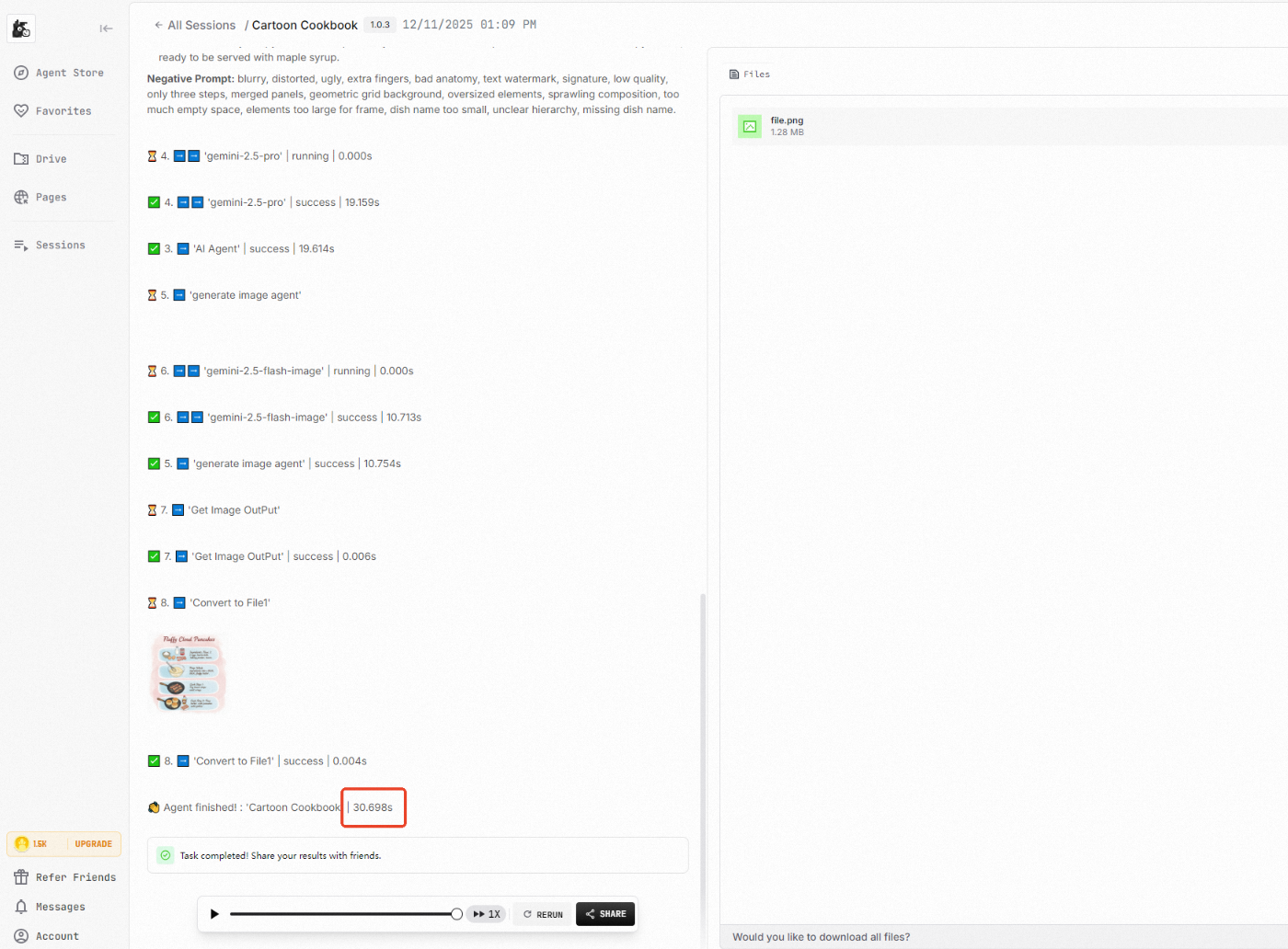
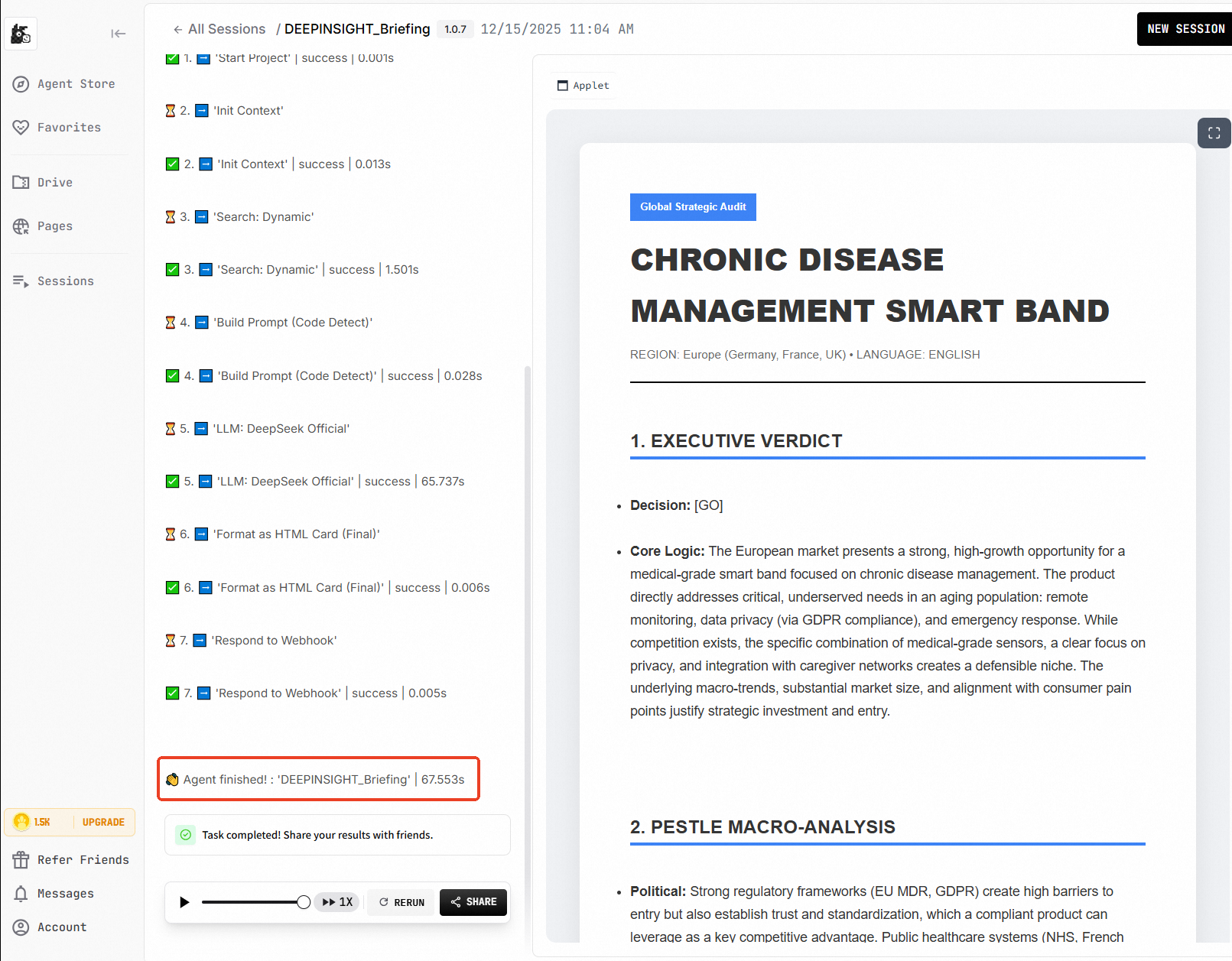
4. Functional Scarcity
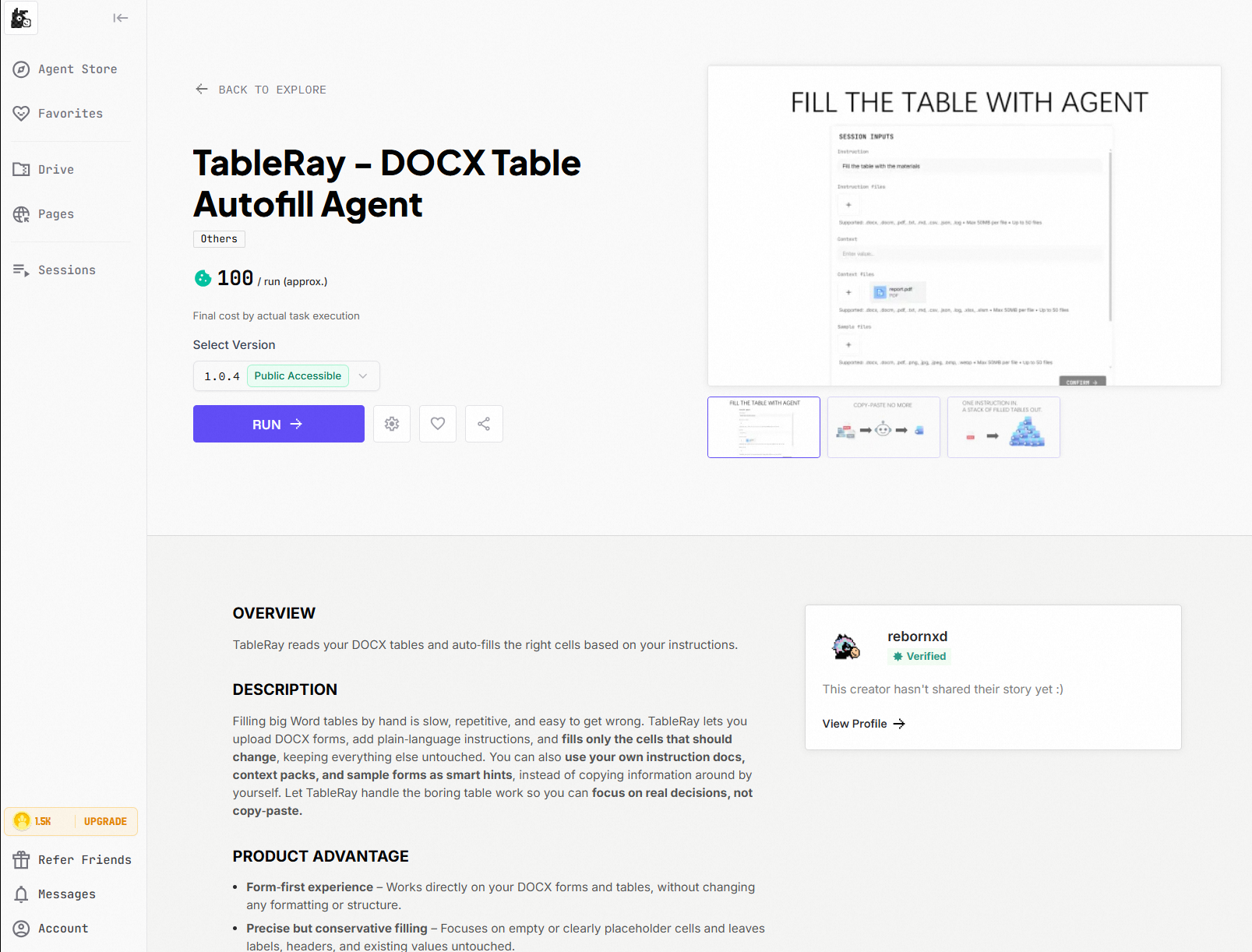
✅ Requirements: Features new to the platform: ✔️ Examples: MyBill Extractor, TableRay - DOCX Table Autofill Agent.
To find navigation and other pages in this documentation, fetch the llms.txt file at: https://mulerun.com/docs/llms.txt