Congratulations! 🎉 Your agent is approved and live on the platform. Head to your dashboard to track its real-time commercial performance—including detailed earnings and cost breakdowns—and start receiving payouts.Documentation Index
Fetch the complete documentation index at: https://mulerun.com/docs/llms.txt
Use this file to discover all available pages before exploring further.
View Earnings Dashboard
From the Home page of Creator Studio, you can view real-time earnings, costs, and balance—plus revenue and cost details broken down by agent—giving you full insight into your agents’ commercial performance.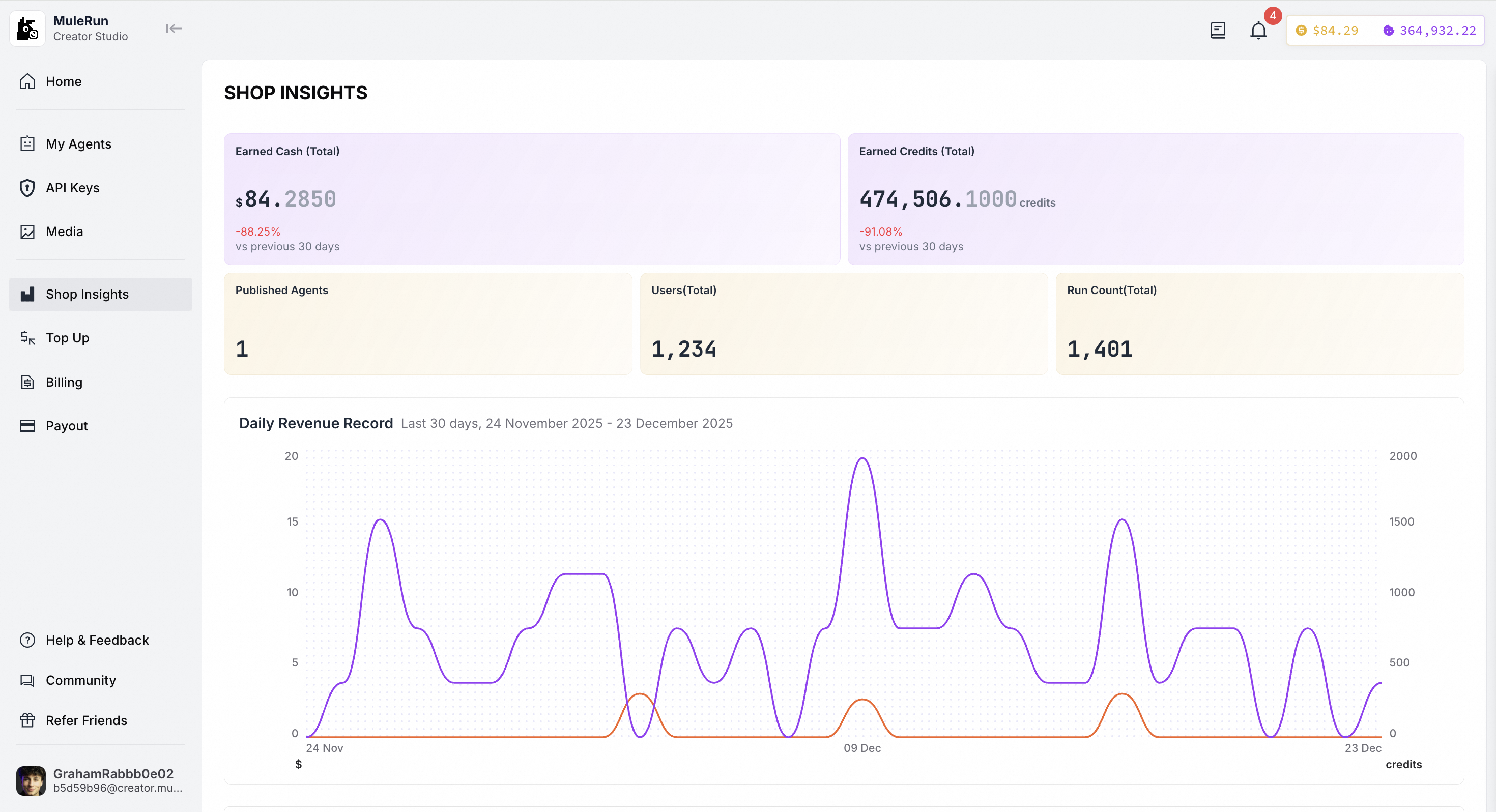
Receive Payouts
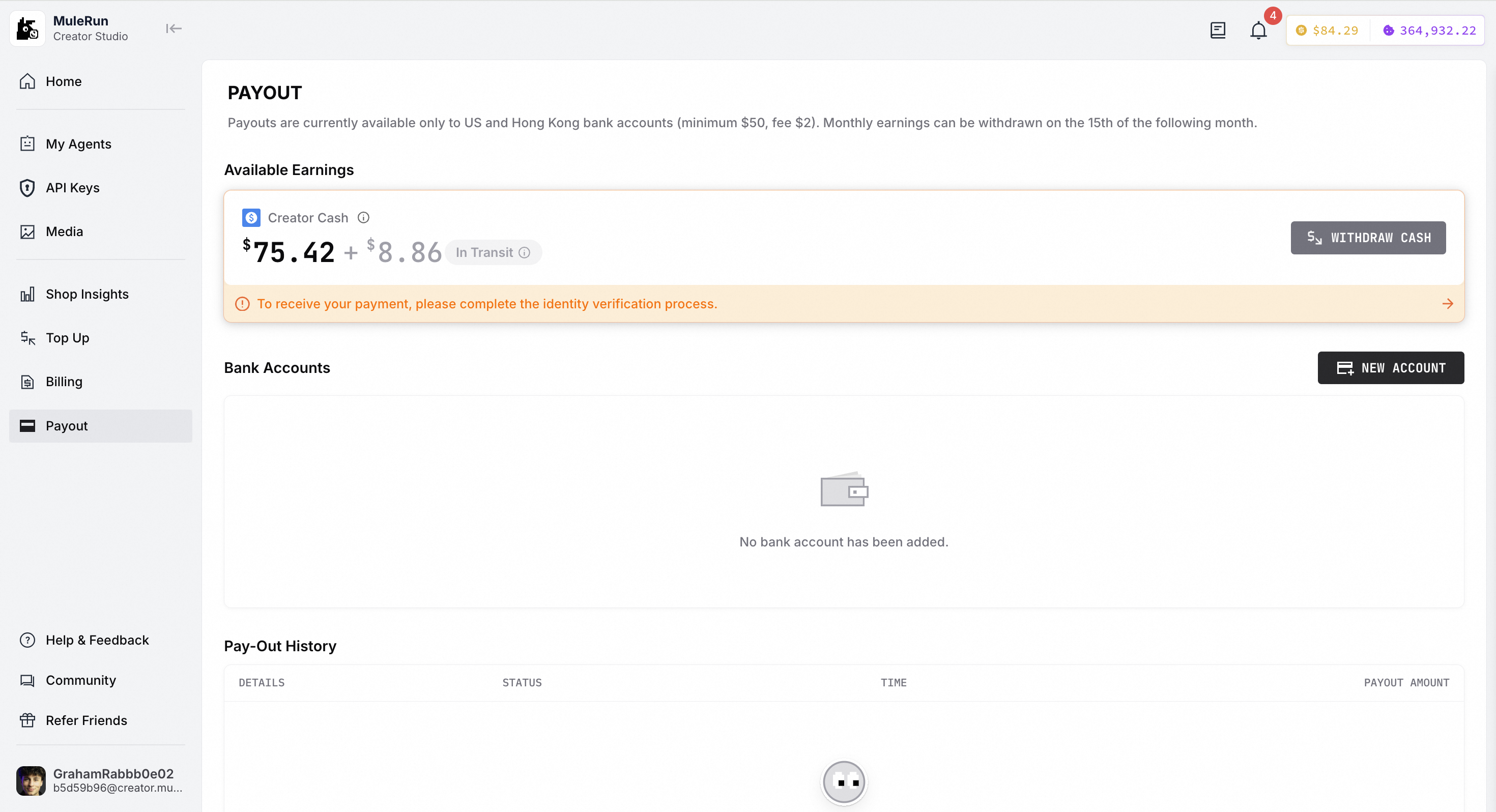
Now, you’re ready to receive your monthly income! To get started, navigate to the Payouts page and complete your identity verification (KYC). Please note the following key details:- Supported Accounts - Payouts are currently only available to bank accounts in the United States and Hong Kong. A standard fee of $2 USD applies per transaction. This fee is charged by the payment provider, MuleRun platform does not charge creators any withdrawal fees.
- Minimum Amount - The minimum threshold to request a payout is $50 USD.
- Payment Schedule - Earnings accrued in a given month become eligible for withdrawal on the 15th of the following month.
Top Up Creator Credits
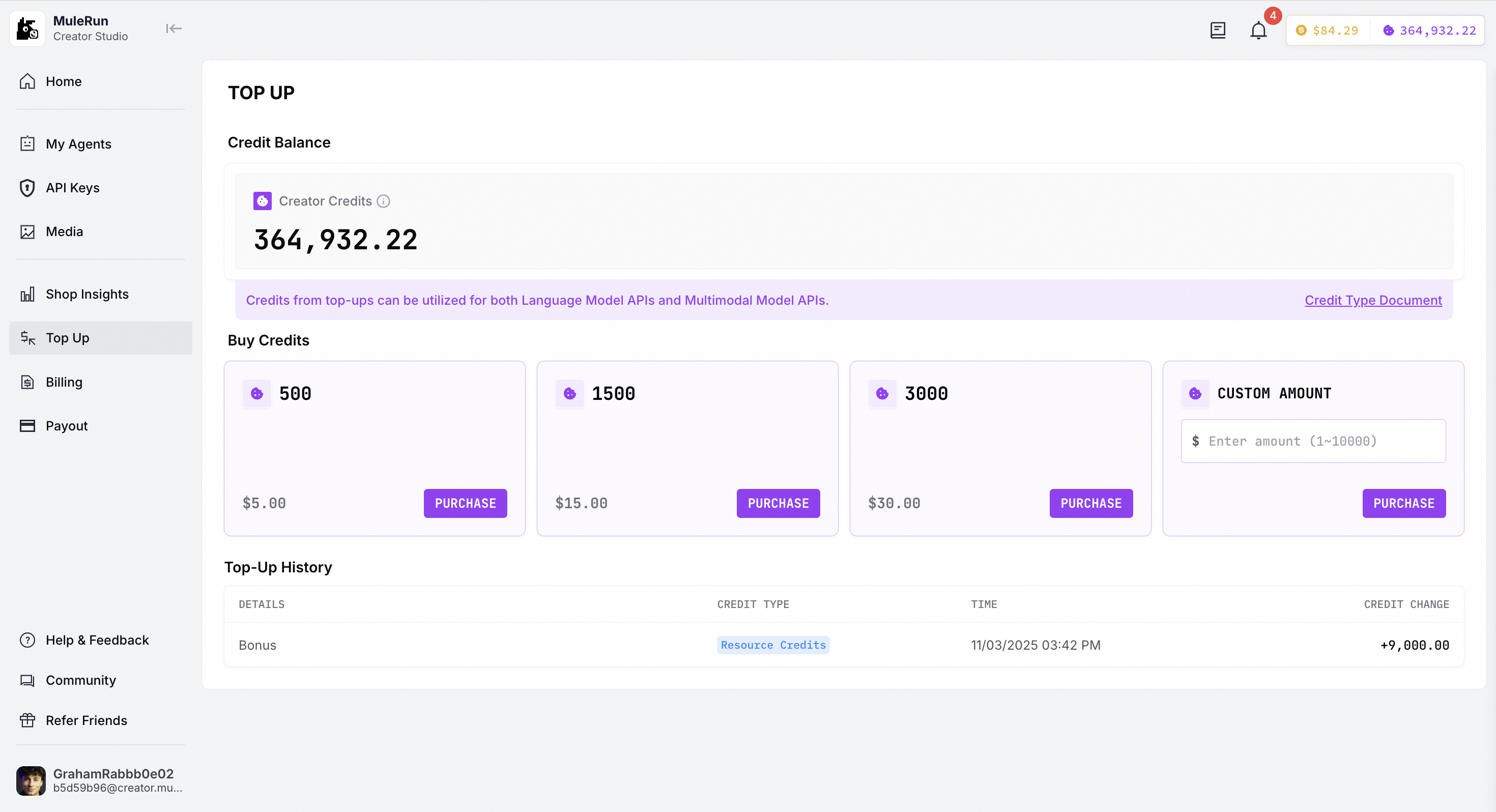
If you wish to purchase and use our LLM API and multimodal API, you can choose to top up your credits. After topping up, you can view your top-up history and billing records.