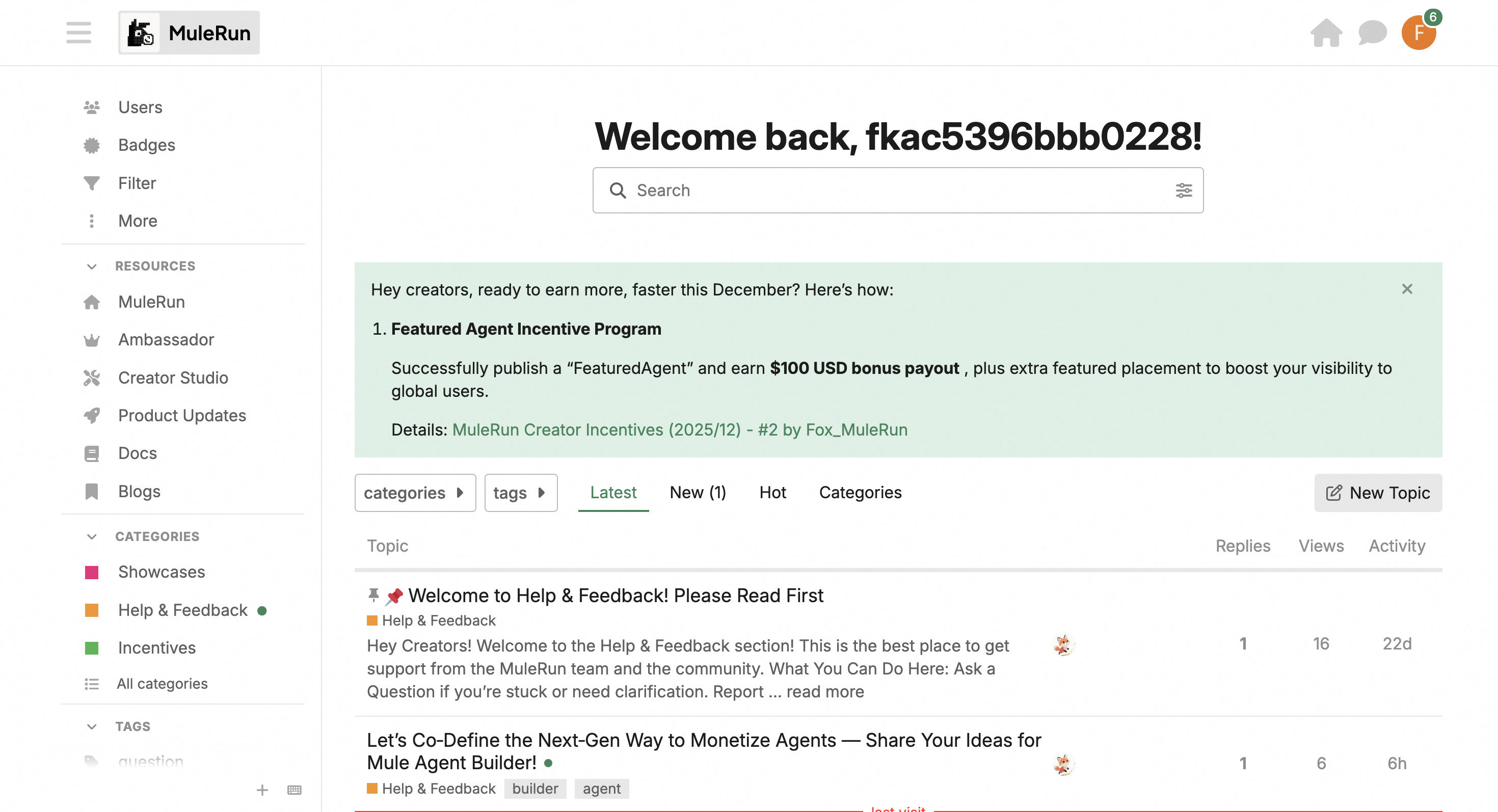
Welcome to the all-new Creator Studio. This document will guide you through the complete new experience and various features, including Actions Needed, Shop Insights, Community, My Agents, Top Up, Payout, and more.Documentation Index
Fetch the complete documentation index at: https://mulerun.com/docs/llms.txt
Use this file to discover all available pages before exploring further.
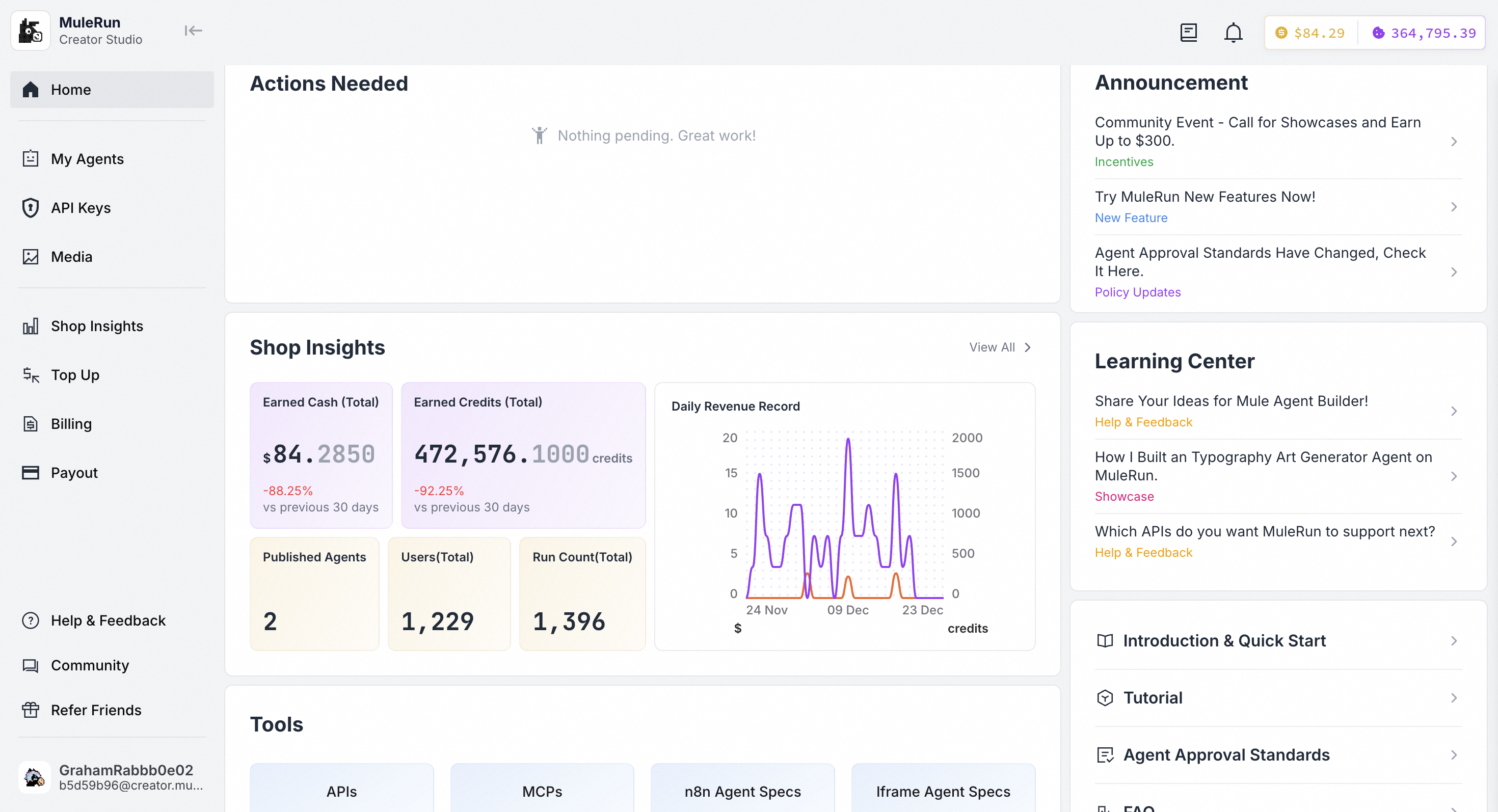
Actions Needed
This section provides critical alerts and reminders, including notifications for KYC verification, low balance requiring top-up, rejected Agents needing resubmission, and other important updates. You can also view all platform messages by clicking the notification bell icon in the top-right corner.My Agents
On the My Agents page, you can manage, edit, and run your Agents. You can also view feedback and ratings for your published Agents. Additionally, you can filter your Agents by status to view them across various stages.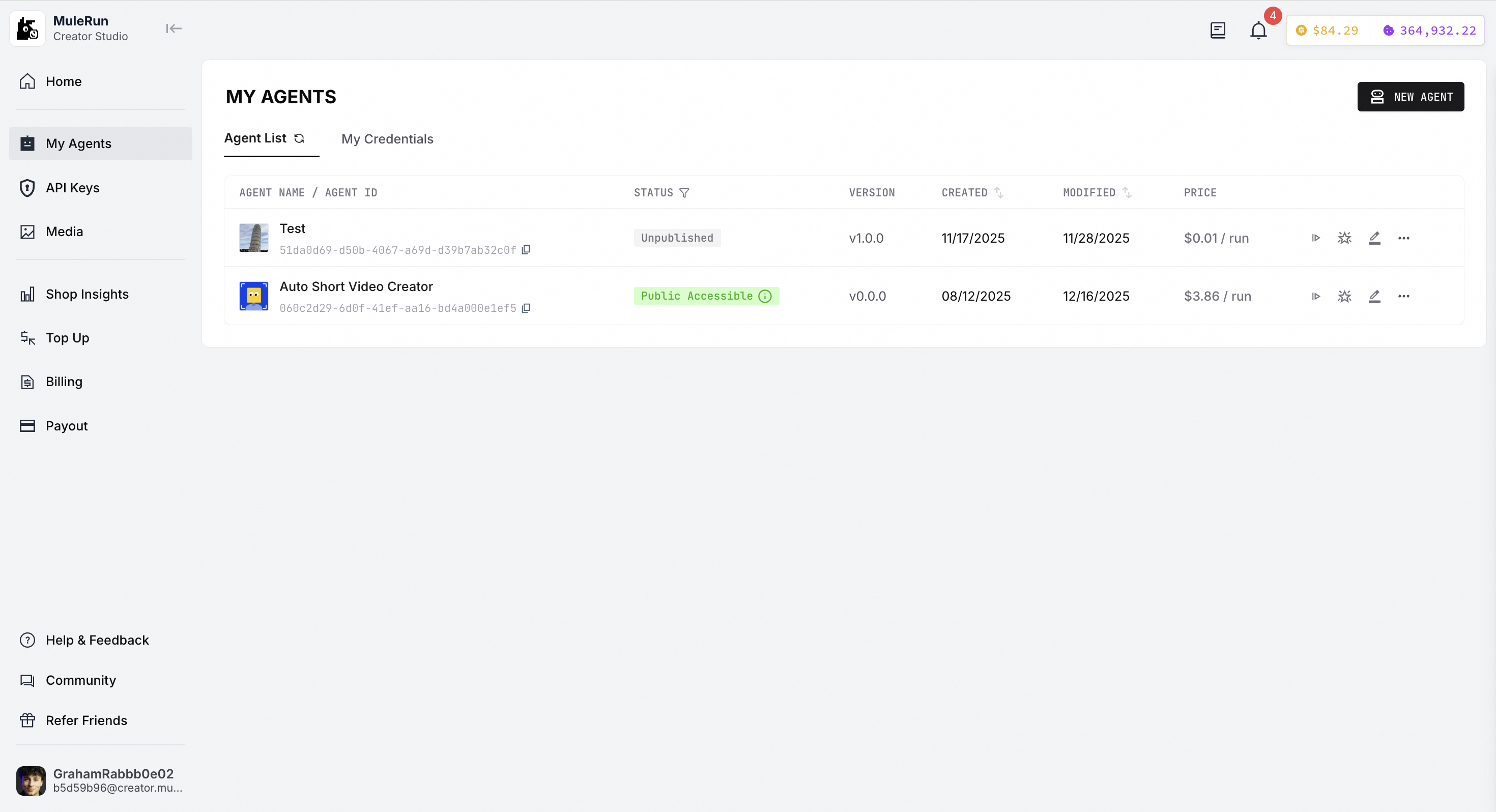
Shop Insights
Here, you can view the overall commercial performance of your entire shop, including total revenue, costs, the number of listed Agents, total user count, total run sessions, and more.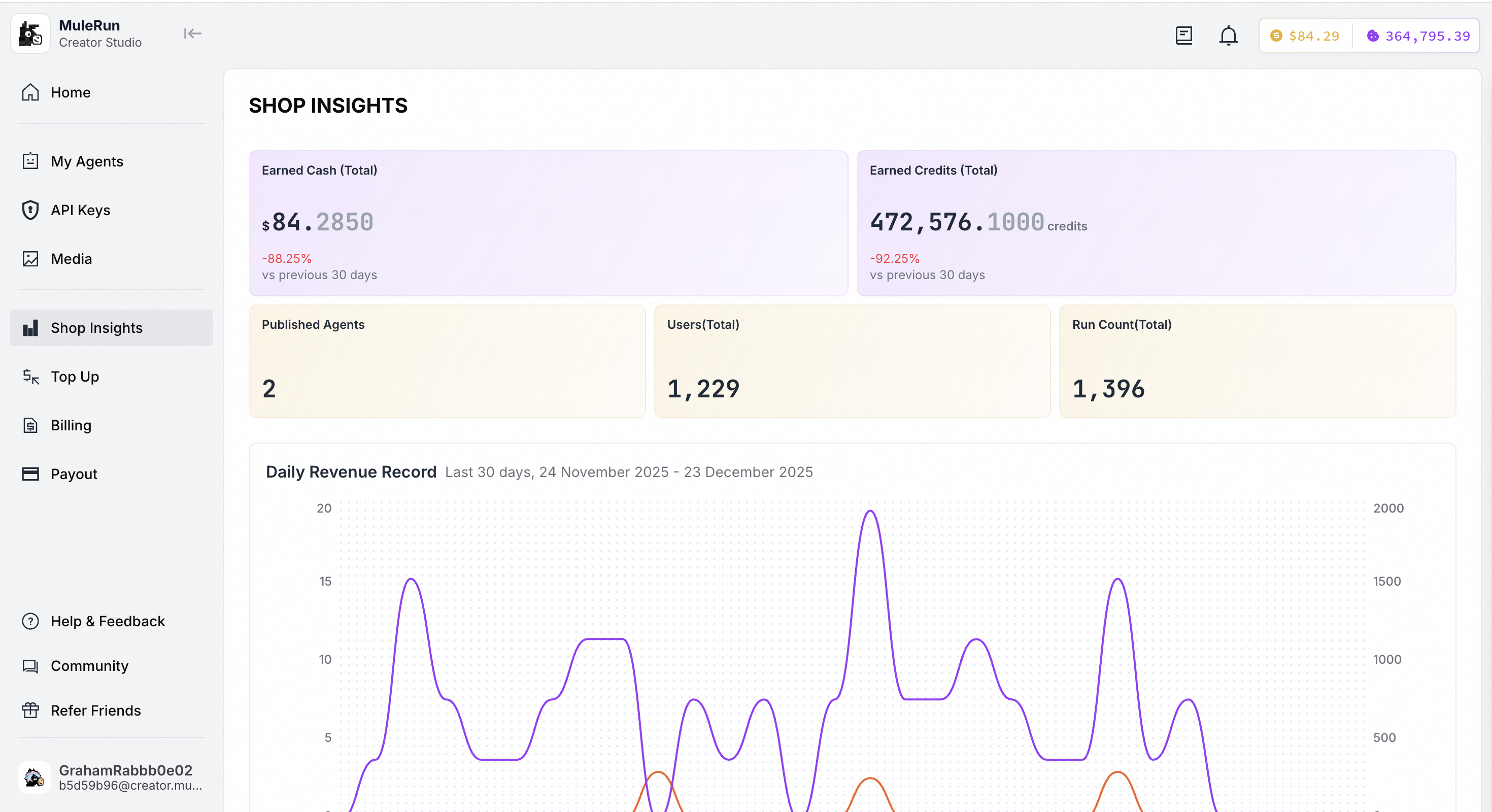
Help & Feedback
Here, you can browse various types of questions, feedback, and corresponding responses within the forum for reference.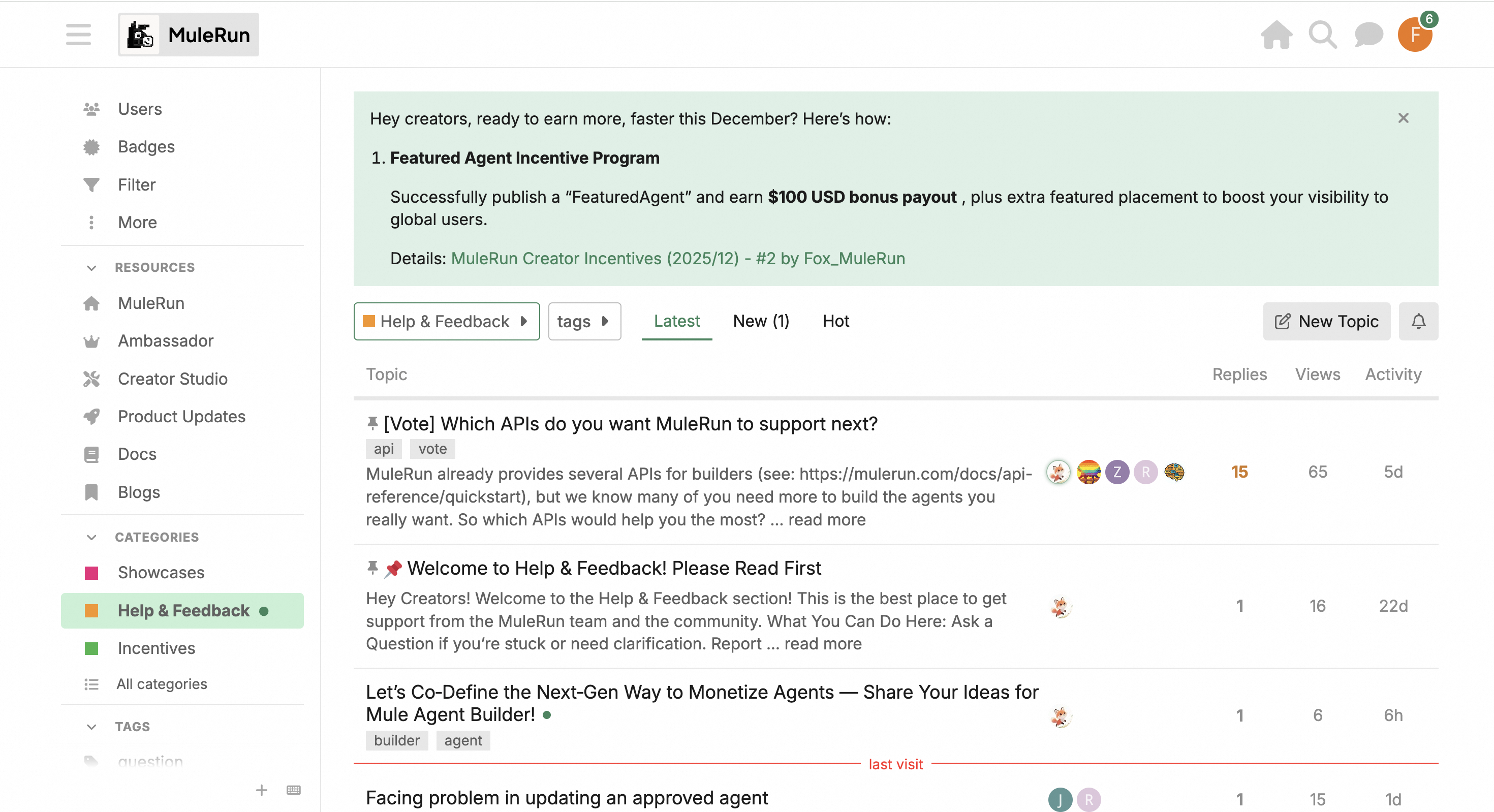
Community
Welcome to the MuleRun Community! Here is our complete hub where you can explore developer incentive programs, product updates, documentation, blogs, and all kinds of content about MuleRun.